A developer desk setup guide could easily be a shopping list, and most of them are. This one is closer to a set of principles, because the truth about desk setups is that placement and habits matter more than price tags. You will likely spend more waking hours at this desk than anywhere else in your life, which justifies real thought and does not require a monitor arm that costs more than the monitor. Here is what actually moves the needle for long coding sessions, in rough order of importance.
The chair and your posture, boring and first
Nobody wants the chair to be the answer, but the chair is the answer. Whatever you sit on, you need adjustable height so your feet rest flat and your elbows land at roughly desk height, and enough lumbar support that your lower back does not spend eight hours in a slump. A good used office chair from a company liquidation frequently beats a new gaming chair at the same price, and your spine does not care about RGB.
The habit half matters just as much: no chair survives being sat in identically for six hours. Stand, stretch, refill the water. Agentic workflows have accidentally improved this, since kicking off a task in Claude Code creates a natural minute to stand up while the agent works. Take the minute. Your future back is watching.
Monitor position beats monitor count
The endless one-versus-two-monitors debate skips the part that matters: position. The top of your primary screen should sit at or slightly below eye level, about an arm's length away, so your neck stays neutral instead of craning down at a laptop for a decade. A laptop stand and an external keyboard achieve this for almost nothing, and they are the single highest-value purchase in the entire setup conversation.
On count and shape: a single large screen or an ultrawide suits deep focus, while a second screen earns its desk space if you genuinely keep reference material open, documentation, a browser, or these days a terminal running an agent you are supervising. Watching an agent chew through a task on one screen while you review its previous diff on another is a legitimately modern use of the second monitor. Vertical orientation for code remains the connoisseur's move and is cheaper than it sounds, since rotation is a stand feature, not a screen feature.
Keyboard and mouse, without the rabbit hole
Mechanical keyboards are a hobby wearing the costume of a necessity. You do not need one to code well, and plenty of excellent engineers type on whatever shipped with the laptop. What you do need is a keyboard positioned so your wrists stay straight and your shoulders stay relaxed, which usually means the keyboard closer to you than you think and the mouse right beside it.
If you do go mechanical, the honest advice is to try switches before committing, since preference is wildly personal and expensive to guess at. And if agents now write a meaningful share of your code, notice that your keyboard hours are shifting from typing code to typing intent. Prose-heavy input changes nothing ergonomically. It just makes the sound of your keyboard in a quiet room slightly harder to explain.
Lighting, the most skipped upgrade
Developers obsess over dark mode and then work in rooms lit like interrogation scenes. The goal is simple: enough ambient light that your screen is not the only bright object in the room, and no light source reflecting off the screen or glaring behind it. A monitor light bar or a cheap bias light behind the display reduces the contrast between screen and surroundings, which is what actually causes the tired-eyes feeling at hour six.
Natural light is the premium tier, ideally from the side rather than behind or in front of you. And if your workday extends into the night, warm ambient light beats overhead fluorescents by a distance. The terminal may glow green, the room should not.
Comfort is part of the setup
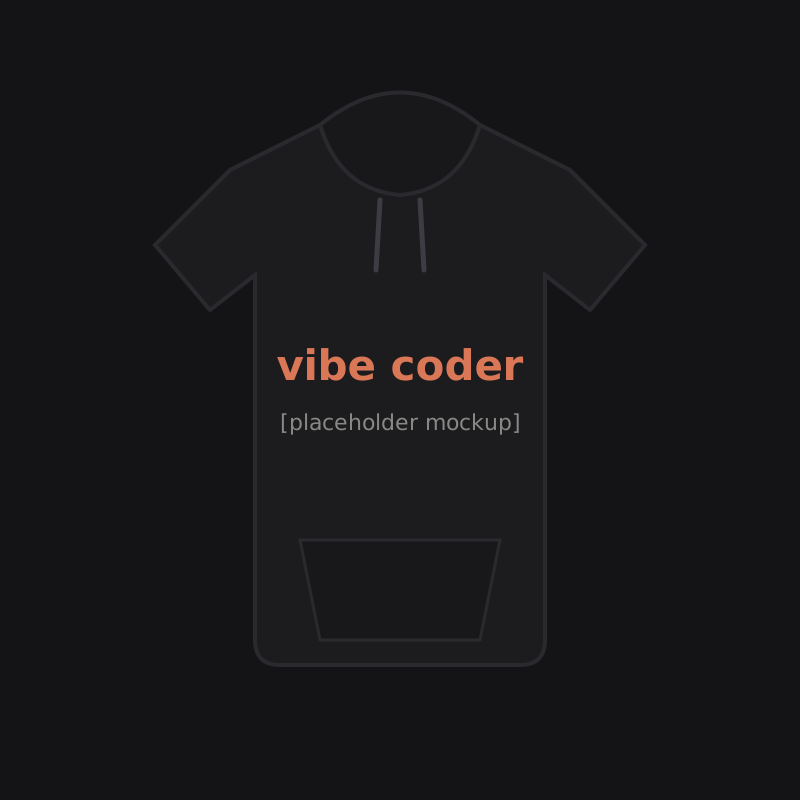
The desk setup conversation usually stops at hardware and skips the operator. Temperature discipline is real: a long session in a cold room ends early, and offices and home offices alike are reliably chilled. This is why the hoodie is developer infrastructure rather than fashion, worn for the same reason the chair has lumbar support. Ours is the Vibe Coder Hoodie, built for exactly these hours, and we will simply note that supervising an agent while warm is objectively better than supervising one while cold.
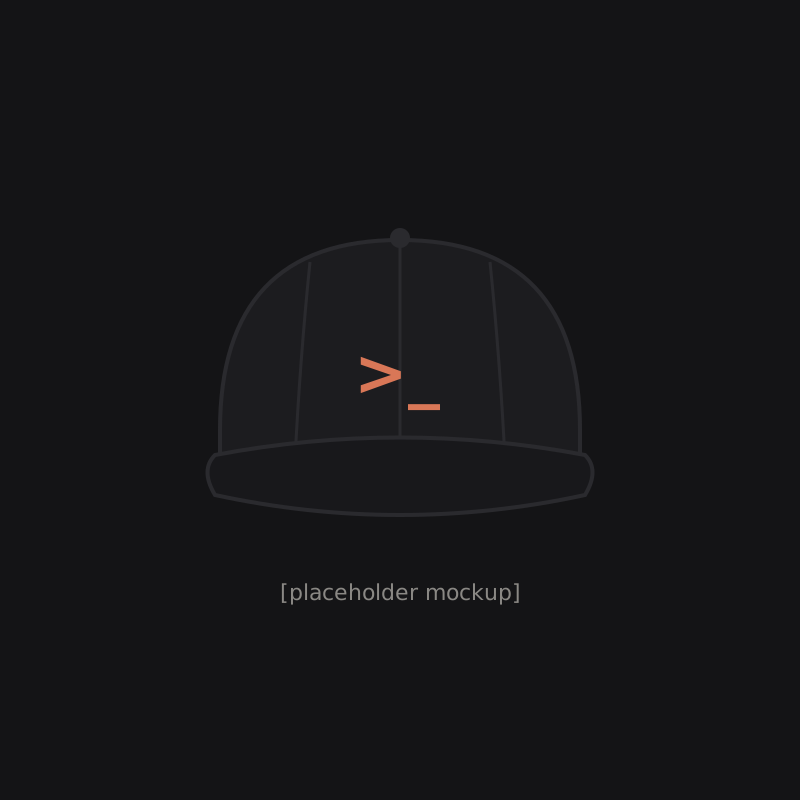
Round out the operator layer with water within reach, headphones for focus if your environment demands them, and a hat for the video calls that ambush you on no-shampoo days. The Prompt Glyph Dad Hat has saved more morning standups than any productivity technique we know of.
A sane order of operations
If you are starting from a bare desk and a budget, spend in this order: chair or chair adjustment, laptop stand plus external keyboard, monitor at correct height, lighting, then everything else. Notice how late "everything else" arrives. The desk mat, the cable management, the artisan keycaps are all real pleasures and all optional.
The test of a good setup is not how it photographs. It is whether you end a long day without your neck, wrists, or eyes filing complaints, and whether sitting down at it makes you want to work. Get the boring foundations right, add character on top, and let the desk be what it actually is: the place where the interesting problems happen.